Set the activity
Select the activity direction, the skill in view and any cues relevant to the live session.

Backstage TP is being designed as a child-friendly activity environment used alongside live telepractice and learning sessions, with the practitioner directing what happens before, during and after play.
See the session modelFeatured concept artwork supplied by the Backstage TP design process. It expresses the activity world; it is not a released product screen.
Session model / 01
The concept is intended for speech pathologists, occupational therapists, tutors and teachers who use guided activity as part of a live session.
Select the activity direction, the skill in view and any cues relevant to the live session.
Pause, prompt, change direction or talk through what the learner is doing as it happens.
Bring observations back to the practitioner to check, correct and retain in the appropriate professional record.
Backstage TP is not represented as an autonomous therapist, diagnostic system or replacement for professional judgement.
Activity world / 02
The visual world can be warm, imaginative and child-friendly while the controls remain legible to the practitioner running the session.
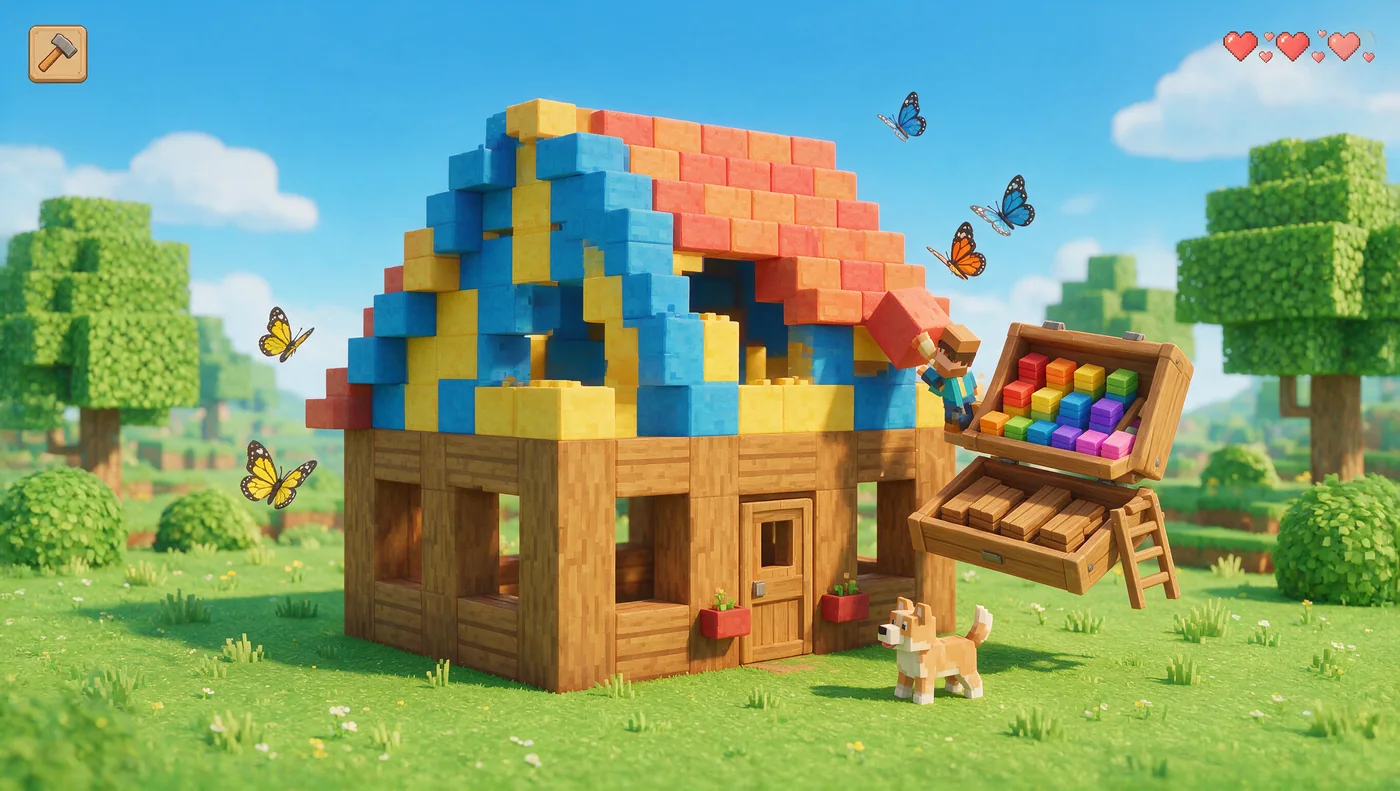
A practitioner can frame a goal, ask the learner to make a choice, introduce a cue and discuss the next action. The game is the shared surface - not the person in charge.
Concept direction

Activity directions / 03
Compare attributes, follow an instruction and place an item deliberately.
Sequence small actions and describe what changes from one step to the next.
Plan a simple structure, make a choice and explain the next action.
Use position, direction and turn-taking within a practitioner-led activity.
Give the practitioner a deliberate moment to introduce a cue or conversation.
Bring observations into a human-reviewed note without presenting them as a diagnosis.
Trust boundary / 04
A product briefing for any early use must answer the practical questions a practitioner, organisation and family need answered.
Roles, permissions, supervision and the intended session context.
Data fields, purpose, capture method and what should remain outside the service.
Hosting, processing, support access, subprocessors and relevant locations.
Retention, correction, export, deletion and responsibility for professional records.
Authentication, authorisation, monitoring and incident responsibilities.
The product- and engagement-specific obligations expressly agreed with the customer.
No universal production architecture, provider list, residency commitment or clinical-use approval is claimed on this public page.
Tell us about the practitioner, learner and live session context.
Discuss Backstage TP